
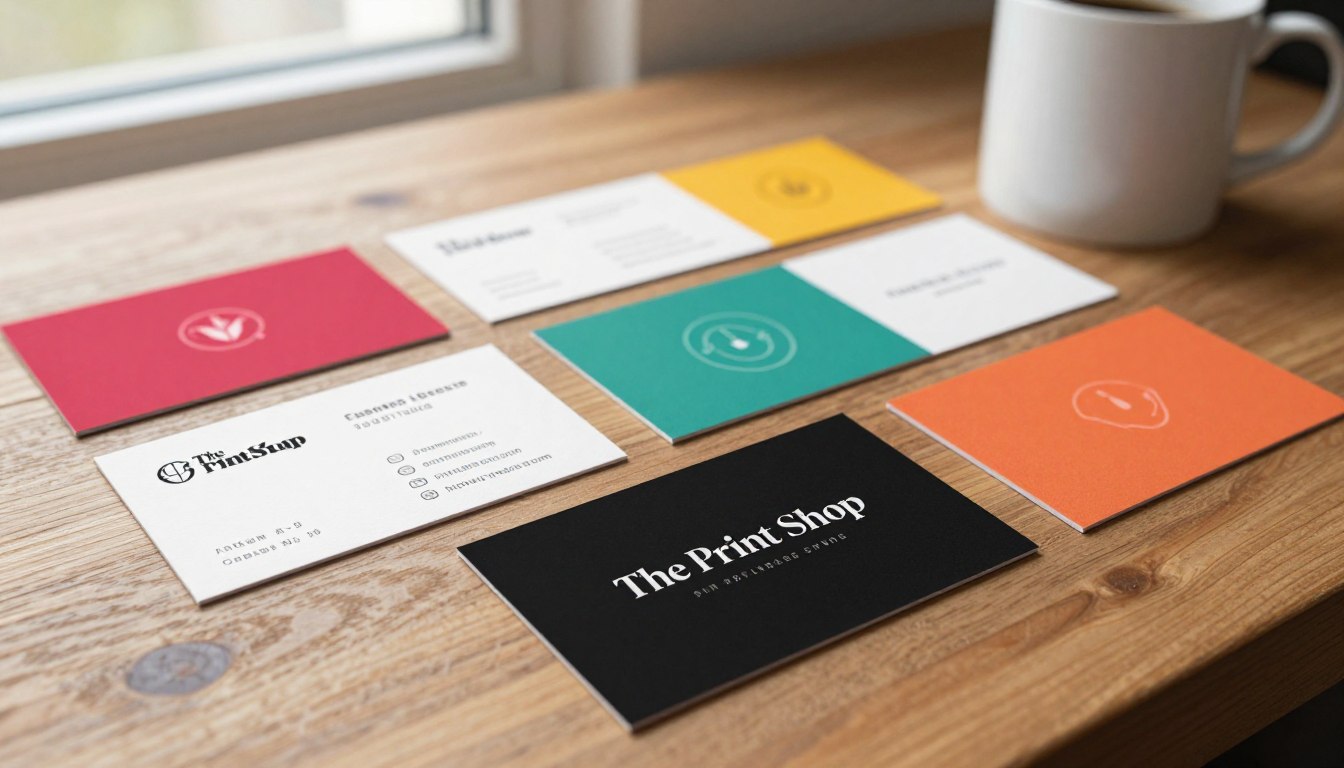
Your business card is often the first impression someone has of your brand—so make it count. At The Print Shop, established in 2002 and located at 46 S Main St Brigham City UT 84302, we understand the value of a great business card. You can reach us at 435-723-4200 or email design@tpsbc.com for your design inquiries.
We are open from 9 AM to 5 PM, Monday to Friday, to help you create business cards that print clean and look professional. In this guide, we’ll walk you through every step, from choosing the right size to nailing the perfect finish.
Key Takeaways
- Understand the importance of a well-designed business card
- Learn the basics of business card design for printing
- Get tips on choosing the right size and finish
- Discover how to create a professional-looking card
- Find out how to make your business card stand out
The Power of a Well-Designed Business Card
A well-designed business card is more than just a piece of paper. It’s a powerful tool for making a lasting impression. In professional settings, it’s often the first physical touchpoint someone has with your brand.
First Impressions in Professional Settings
When you hand someone your business card, you’re not just giving them your contact information. You’re giving them a glimpse into your professional identity. A custom business card design can convey your brand’s message, values, and level of professionalism.
It’s an opportunity to make a strong first impression. This can lead to new opportunities.
Brand Representation in a Small Format
Your business card is a miniature representation of your brand. It should include essential information like your name, title, company, contact details, and business hours if applicable. A well-designed card effectively balances content and white space.
This makes it easy to read and understand.
Modern Relevance in a Digital World
Even in today’s digital age, business cards remain relevant. They provide a tangible connection to your brand that digital networking can’t replicate. A professionally printed business card showcases your commitment to quality and attention to detail.
By investing in professional business card printing, you’re investing in your professional image. A well-designed business card is a valuable tool for networking and building lasting relationships.
Essential Elements Every Business Card Needs
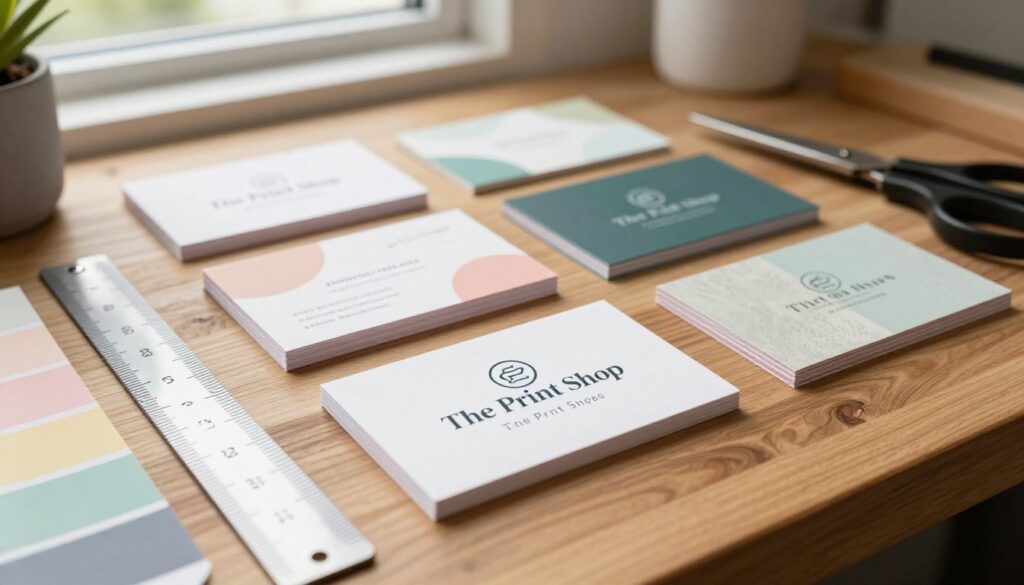
A business card must balance content and design well. We’ll show you what makes a card stand out.
First, let’s talk about the basic info. Your card should have your name, title, company, contact details, and a short description of your services. This info helps leave a strong impression and makes it easy to follow up.
Core Information Components
When adding basic info, clarity is key. Choose fonts that are easy to read and make sure the text fits well. Using print-ready templates helps keep your design clean and simple.
Strategic Use of Logos and Graphics
Logos and graphics are key for brand recognition. Your logo should be big and clear, and graphics should match your brand’s message. Consistency is crucial; stick to your brand’s colors and fonts for a unified look.
Balancing Content and White Space
It’s important to balance text with white space. Too much text makes your card look messy, while too much white space makes it seem empty. We follow best practices to make sure your card looks good and is easy to read.
By focusing on these key elements and following best practices, you can make a business card that looks great and communicates your brand well.
Choosing the Right Dimensions and Format
The size of your business card matters a lot. In the US, the usual size is 3.5 x 2 inches. This size fits well in most wallets and card holders. For more info on sizes and design tips, check out VistaPrint’s business card dimensions hub.
Standard Business Card Sizes in the US
Using the standard size makes your card easy to store and find. But, you might want to pick a different size to make your card stand out. Here are some common sizes:
| Size | Description | Use Case |
|---|---|---|
| 3.5 x 2 inches | Standard US size | Most professional settings |
| 3.375 x 2.125 inches | Rounded corners | For a softer look |
| 4.5 x 3 inches | Square format | For a bold statement |
Orientation: When to Use Portrait vs. Landscape
The way your card is oriented matters. Portrait orientation is best for cards with lots of text or a vertical logo. Landscape orientation works well for cards with more graphics or a horizontal design.
Special Formats and Their Printing Implications
Special formats like folded cards or unique shapes grab attention but might cost more to print. Always talk to your business card printing services provider about your design choices.
By picking the right size and format, you can create custom business cards that show off your brand well and make a strong impression.
Design Principles for Professional Business Cards
Good business card design needs a mix of visual order, alignment, and brand unity. When designing business cards, finding the right balance between looks and use is key.
Creating Visual Hierarchy
A clear visual order helps the viewer focus on the most critical info on your card. Make your name and main contact method stand out. Use size, color, and placement to highlight these key points.
Alignment and Grid Systems
Aligning with a grid system makes your design neat and easy to follow. This makes your card look professional and simple to read. A grid helps balance your layout, making your card look better.
Consistency with Brand Identity
Being consistent is vital for your brand. Stick to your brand colors, logo, and style on both sides of the card. This creates a strong brand image and shows your professional side.
Color Coordination Techniques
Choosing colors that match your brand and are easy to read is crucial. Use color wheels to find colors that work well together and boost your design.
Visual Elements That Enhance Recognition
Adding logos, icons, or graphics can make your brand more recognizable. Use these elements wisely and keep them true to your brand. This will leave a strong impression on the person you give your card to.
By following these design tips, you can make business cards that look great and share your brand’s message well. When you design and print business cards efficiently, you’re investing in a valuable tool for networking and promoting your brand.
Typography That Enhances Readability and Style
The right typography can make your business card stand out. It improves both readability and style. When designing your business card, the choice of typography is crucial. It directly influences how your brand is perceived.
Font Selection for Professional Impact
Choosing the right font is essential for a professional image. We recommend clean, legible fonts that fit your industry. For example, serif fonts like Times New Roman are great for traditional services. Sans-serif fonts like Arial or Helvetica are modern and sleek.
| Font Type | Example Fonts | Best Use |
|---|---|---|
| Serif | Times New Roman, Garamond | Traditional, Professional Services |
| Sans Serif | Arial, Helvetica | Modern, Tech, and Creative Industries |
| Script | Lobster, Pacifico | Creative, Hospitality |
Size and Spacing Guidelines
To maintain readability, size and spacing are key. Use font sizes between 8 to 12 points for body text. This ensures it’s large enough to be easily read. Also, adequate spacing between lines and paragraphs enhances readability.
Key spacing tips:
- Maintain at least 1.2 to 1.5 line spacing.
- Use sufficient margins around the text.
- Avoid overcrowding the card with too much information.
Typographic Hierarchy Techniques
Creating a typographic hierarchy guides the reader’s eye. You can vary font sizes, weights, and styles. For example, use a bold font for your name or company name to make it stand out.
Common Typography Mistakes to Avoid
Avoid using too many font types, as it can make your card look cluttered. Also, be cautious of overly decorative fonts that may be hard to read. Ensuring consistency in your typography is key to a professional finish.
By focusing on typography, you can make your business card more effective. It will be visually appealing and professionally impactful.
How to Design Business Cards for Printing: Technical Requirements
Understanding the technical needs for printing is key to making business cards that impress. When you design a custom business card, you must consider several technical aspects. This ensures your card prints well and looks professional.
Resolution Standards for Print-Ready Files
Your design files must meet specific resolution standards for clear prints. Design your business cards at 300 DPI (dots per inch) for high-quality prints. This resolution makes text and images crisp and clear.
Understanding Bleed, Trim, and Safe Areas
When designing business card templates, knowing about bleed, trim, and safe areas is crucial. The bleed area is extra design that goes beyond the card’s edge, preventing white edges. The trim line is where the card gets cut, set 0.125 in. (3 mm) from the edge. The safety line is 0.125 in. (3 mm) from the trim line, creating a 0.250 in. (6 mm) margin. This margin keeps important info safe during cutting.
Color Modes: Converting RGB to CMYK
Business card design needs color mode conversion from RGB to CMYK for printing accuracy. RGB is for digital screens, while CMYK is for printing. Converting to CMYK avoids color mismatches.
Color Calibration Considerations
Color calibration is vital to match screen colors with printed ones. Use color calibration tools or software to adjust your monitor. This step is key for consistent results across devices and printing.
Ensuring Color Accuracy Across Mediums
To keep colors consistent across mediums, use a color management system. This system ensures colors stay the same from design to print. For more on our printing process and color accuracy, visit our about page.
| Technical Requirement | Description | Recommended Setting |
|---|---|---|
| Resolution | Ensure high-quality prints | 300 DPI |
| Bleed | Extra design element beyond the edge | 0.125 in. (3 mm) |
| Trim | Where the card will be cut | 0.125 in. (3 mm) from the edge |
| Safe Area | Margin to prevent important info from being cut off | 0.250 in. (6 mm) from the edge of the bleed area |
| Color Mode | Ensure color accuracy in printing | CMYK |
By following these technical requirements, you can create a custom business card design that looks great and prints professionally. At our printing service, we aim to deliver high-quality prints that meet your needs. For more on designing and printing business cards, explore our resources.
Preparing Your Files for Professional Printing
The success of your business card printing starts with file preparation. Make sure your design files are ready for printing to get the best results.
File Formats That Print Shops Prefer
Print shops usually like PDF files because they keep your design layout intact. Ask your designer to send you a vector file and a PDF version.
Creating Print-Ready PDFs
To make a PDF ready for printing, use CMYK color mode and high resolution. Adobe Illustrator or InDesign can help you export your files as PDFs.
Packaging Design Files with Fonts and Links
Include the fonts used in your design when you submit your files. Most print shops can handle PDFs with embedded fonts. Always check with your business card printing services for their needs.
Proofing Techniques Before Submission
Proofread your files carefully before sending them to the printer. Look for spelling mistakes, alignment problems, and color issues. Request a proof from your printer to review before they print your cards.
| File Preparation Step | Description |
|---|---|
| File Format | Save your file as a PDF to ensure compatibility with most print shops. |
| Color Mode | Convert your design to CMYK color mode for accurate color representation. |
| Resolution | Ensure your design has a high enough resolution for clear printing. |
By following these best practices for business card printing, your cards will look professional and be printed right. If unsure, ask your printing service for help.
Paper Stock and Finishing Options
To make your business cards stand out, consider the various paper stock and finishing options available. The right combination can elevate your brand’s image and leave a lasting impression on potential clients.
Paper Weight and Quality Selection
The weight and quality of your business card’s paper stock can significantly impact its perceived value. Thicker cards (32pt or 350gsm) often feel more premium and are less likely to bend or crease. We recommend choosing a paper weight that aligns with your brand’s image and the intended use of the card.
Surface Finishes: Matte, Gloss, and Satin
The surface finish of your business card can dramatically change its appearance. Matte finishes offer a modern, glare-free look, while gloss finishes make colors pop. Satin finishes strike a balance between the two, offering a soft, luxurious feel. Choose a finish that complements your design and brand identity.
Special Treatments That Make Cards Stand Out
Special treatments can add an extra layer of sophistication to your business cards. Techniques like embossing and foil stamping can add texture and visual interest, while die cutting allows for unique shapes that stand out. Spot UV coating can highlight specific design elements, adding a tactile dimension to your cards.
Embossing and Foil Stamping
Embossing raises specific design elements, creating a tactile experience. Foil stamping adds a metallic sheen, drawing attention to logos or key information.
Die Cutting and Spot UV Coating
Die cutting allows for custom shapes, making your cards memorable. Spot UV coating highlights specific areas with a glossy finish, contrasting with the rest of the card’s texture.
| Finish Type | Description | Best For |
|---|---|---|
| Matte | Glare-free, modern look | Text-heavy designs |
| Gloss | Vibrant colors, high shine | Image-heavy designs |
| Satin | Soft, luxurious feel | Balancing text and images |
By carefully selecting your paper stock and finishing options, you can create custom business cards that not only represent your brand effectively but also leave a lasting impression on your clients. Whether you’re looking to design and print business cards efficiently or make a memorable statement, the right choices will elevate your professional image.
Working With The Print Shop for Optimal Results
At The Print Shop, we help you make business cards that show off your brand. Our team works hard to make sure your business cards look great.
Benefits of Local Professional Printing Services
Choosing The Print Shop means you get personal service and fast work. You know your cards are in good hands with local experts.
Local printing services also mean you can talk face-to-face. This is great for discussing your project in detail.
The Print Shop's Design Consultation Process
We make sure your business cards are just what you want. We listen to your brand and design ideas, giving you tips to make your cards pop.
Send your files to design@tpsbc.com for a check, or come by our Brigham City office at 46 S Main St, Brigham City UT 84302. Our team is here to help.
Quality Assurance Standards Since 2002
The Print Shop has been all about quality since 2002. We focus on every detail to give you the best results.
Submitting Files to design@tpsbc.com
It’s easy to send your designs to design@tpsbc.com. We’ll check if they’re ready for printing and meet our quality standards.
Visiting Their Brigham City Location (46 S Main St)
Come see us at 46 S Main St, Brigham City UT 84302. We’re here to help with your business card needs and answer any questions.
Working with The Print Shop means your business cards will be top-notch. They’ll make a strong impression on your clients and partners.
Conclusion: Creating Business Cards That Leave a Lasting Impression
By following the guidelines in this article, you can make business cards that look professional and make a lasting impression. Professional business card printing is key to making a great first impression. It also represents your brand well and helps you stand out in a competitive market.
At The Print Shop, we know how important quality printing and design are. With over 24 years of experience in Brigham City and 150K+ successful projects, we can help you create standout business cards. Our team of 250+ experts is committed to delivering top-notch printing services. We ensure your business cards are printed perfectly.
To start making your professional business cards, visit The Print Shop today. Take advantage of our professional business card printing services. Call us now at +1 435-723-4200 to talk about your project with our team.